Key takeaways
- Immersive Translate excels at bilingual web page, PDF, and ebook translation but has very limited Netflix support and no vocabulary tools.
- Its Pro plan runs about $9.99/month or $69.99/year, with the free tier capping daily translations and premium engines.
- Funlingo is the best free alternative for video-based learning, with dual subtitles on Netflix, YouTube, and Prime Video plus a vocab builder.
- For web page reading, free options like Google Translate Extension and Microsoft Translator cover the basics.
- Choose by use case: video learning favors Funlingo, while reading-heavy workflows favor Immersive Translate or DeepL.
Best Alternatives to Immersive Translate
| Tool | Price | Web Translation | Netflix Subtitles | YouTube Subtitles | Prime Video | Vocab Saving |
|---|---|---|---|---|---|---|
| Funlingo | Free | No | Yes | Yes | Yes | Yes |
| Google Translate Ext. | Free | Yes | No | No | No | No |
| DeepL Extension | Free/Pro | Yes | No | No | No | No |
| Trancy | $8/mo | Yes | Yes | Yes | No | Pro only |
| Language Reactor | $6/mo | No | Yes | Yes | No | Pro only |
| Microsoft Translator | Free | Yes | No | No | No | No |
Funlingo
Funlingo is the best free alternative to Immersive Translate for video-based language learning. It provides dual subtitles on Netflix, YouTube, and Amazon Prime Video, along with a built-in vocabulary builder that lets you save words and phrases for later review. Unlike Immersive Translate, Funlingo is completely free and specifically optimized for learning languages through video content.
With word-by-word translations, instant click-to-translate on any subtitle word, and support for dozens of languages, Funlingo turns your entertainment time into an effective language learning session.
Pros
- Completely free to use
- Netflix, YouTube & Prime Video support
- Built-in vocabulary builder
- Word-by-word translations
- Save words for later review
Cons
- No web page translation
- No PDF translation support
Google Translate Extension
Google Translate's official Chrome extension is a straightforward tool for translating web pages and selected text. It supports over 100 languages and is completely free. While it lacks the bilingual side-by-side display that Immersive Translate offers, it is reliable for quick translations and basic reading comprehension.
Pros
- Completely free
- 100+ languages supported
- Reliable and well-maintained
Cons
- No bilingual side-by-side view
- No video subtitle support
- Basic translation quality for some languages
DeepL Extension
DeepL is widely regarded as having the highest quality machine translations, especially for European languages. Their browser extension brings that quality directly to web pages. The free tier allows a limited number of translations per month, while the Pro plan unlocks unlimited usage.
Pros
- Best-in-class translation quality
- Clean and intuitive interface
- Full page translation
Cons
- Limited free tier
- Fewer supported languages than Google
- No video or subtitle features
Trancy
~$8/month
Trancy is an AI-powered language learning extension that supports dual subtitles on Netflix and YouTube. It offers sentence-by-sentence analysis, grammar breakdowns, and vocabulary features. While powerful, it comes at a monthly cost and can feel overwhelming for casual learners.
Pros
- AI-powered sentence analysis
- Netflix & YouTube dual subtitles
- Grammar breakdowns
Cons
- $8/month subscription required
- Can be overwhelming for beginners
- No Prime Video support
Language Reactor
~$6/month
Language Reactor (formerly Language Learning with Netflix) is one of the most well-known tools for learning languages through video. It offers dual subtitles on Netflix and YouTube, with hover-over translations and a phrase saving feature. The free version is limited, and full functionality requires a Pro subscription.
Pros
- Popular with large community
- Netflix & YouTube support
- Hover-over word translations
Cons
- $6/month for full features
- Free tier is very limited
- No Amazon Prime Video support
Microsoft Translator
Microsoft Translator integrates seamlessly with Microsoft Edge and offers a solid free web page translation experience. It supports over 70 languages and provides real-time translation of web content. While it lacks video subtitle features, it is a dependable choice for general web browsing in foreign languages.
Pros
- Completely free
- Deep Edge browser integration
- 70+ languages supported
Cons
- Best experience limited to Edge
- No video subtitle features
- No bilingual side-by-side mode
Immersive Translate Alternatives 2026: Full Comparison Table
The table below compares the leading Immersive Translate alternatives in 2026 across the factors that matter most: price, supported platforms, whether the tool shows dual subtitles on streaming video, and what each one is genuinely best at. Prices are the publicly listed rates at the time of writing and may change.
| Tool | Price | Platforms | Dual subtitles on video | Best for |
|---|---|---|---|---|
| Funlingo | Free | Chrome & Edge extension | Yes — Netflix, YouTube & Prime Video | Free video-based language learning |
| Immersive Translate | Freemium (~$9.99/mo Pro) | Browser extension, iOS, Android | Partial — YouTube only, no Netflix | Bilingual web, PDF & ebook reading |
| DeepL | Free tier; Pro from ~$8.74/mo | Web, desktop apps, browser extension | No | Highest-quality document & text translation |
| Google Translate | Free | Web, mobile apps, browser extension | No | Quick free web page translation, 100+ languages |
| Trancy | Freemium (~$8/mo Pro) | Chrome & Edge extension | Yes — Netflix & YouTube | AI sentence analysis on video & web |
| Language Reactor | Freemium (~$6/mo Pro) | Chrome & Edge extension | Yes — Netflix & YouTube | Netflix/YouTube learning with hover translations |
| Microsoft Translator | Free | Edge built-in, web, mobile apps | No | Free web translation inside Microsoft Edge |
Mix tools instead of forcing one
Which Alternative Should You Choose?
The right Immersive Translate alternative depends entirely on how you actually learn or read. Here are clear picks by use case.
Best free option for video → Funlingo
If you learn through Netflix, YouTube, or Prime Video, Funlingo gives you free dual subtitles, click-to-translate words, and a vocabulary builder — the things Immersive Translate charges for or simply does not offer for streaming video.
Best for documents → DeepL
For translating PDFs, Word files, and long-form text where accuracy matters most, DeepL produces the most natural output, especially for European languages.
Best all-round web translation → Immersive Translate
If your main need is reading foreign websites, ebooks, and PDFs in a bilingual side-by-side layout across many engines, Immersive Translate is still the most complete tool — it is the alternatives that beat it on video, not on reading.
Best for Netflix/YouTube learning → Funlingo or Language Reactor
Both turn streaming into structured practice. Choose Funlingo if you want a free, no-account experience that also covers Prime Video; choose Language Reactor if you want its large pre-built deck ecosystem and do not mind a Pro subscription.
Trancy vs Immersive Translate
Trancy and Immersive Translate are often compared because both translate web pages and YouTube. The real difference is focus: Immersive Translate is a reading-and-translation tool, while Trancy is built around active language learning on video, with AI sentence breakdowns and Netflix dual subtitles that Immersive Translate lacks.
Where Trancy wins
Trancy advantages
- Dual subtitles on Netflix, not just YouTube
- AI-powered sentence and grammar analysis on subtitles
- Built for learners who study from video clips
- Vocabulary and saved-phrase review features
Immersive Translate advantages
- Stronger full web page bilingual reading layout
- Native PDF and EPUB / ebook translation
- Wider choice of translation engines (DeepL, OpenAI, etc.)
- Mobile apps for iOS and Android
In short: pick Trancy if your learning happens mostly inside Netflix and YouTube and you want AI explanations; pick Immersive Translate if you mostly read articles, PDFs, and books. If you want the same video benefits as Trancy without a subscription, Funlingo is the free option to try first.
Is There an Open-Source Immersive Translate Alternative?
There is no single open-source project that fully replicates Immersive Translate's polished bilingual reading across web pages, PDFs, ebooks, and video. But if you specifically want open-source or self-hostable tooling, a few honest options exist:
LibreTranslate: A free and open-source machine-translation API you can self-host. It powers the translations but does not provide the on-page bilingual reading UI by itself — you pair it with a browser extension that supports custom engines.
Argos Translate: An offline, open-source translation library (the engine behind LibreTranslate). Great for privacy and offline use, but it is a library, not a finished reading extension.
Open-source translate extensions: Community extensions such as TWP (Translate Web Pages) are open-source and can route through your own or free translation backends for full-page translation.
Open source vs polish
What Is Immersive Translate?
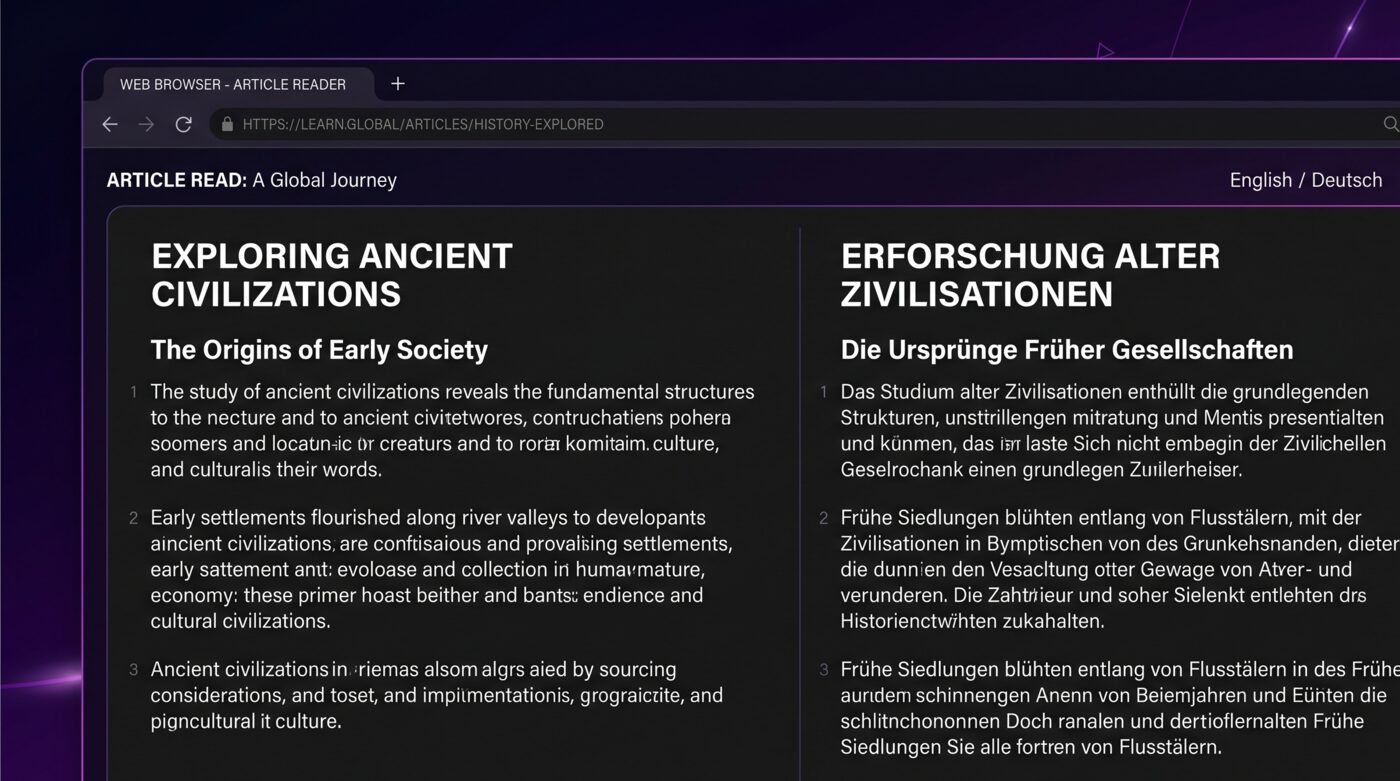
Immersive Translate is a popular browser extension designed to help users read foreign-language web content by providing bilingual translations directly on the page. Rather than replacing the original text entirely, it displays translations side by side with the source language, making it a valuable tool for language learners and anyone who frequently browses multilingual content.
The extension supports a wide range of websites and can translate entire web pages, PDF documents, and even YouTube subtitles into your target language. It leverages multiple translation engines including Google Translate, DeepL, and OpenAI to deliver flexible translation quality depending on your needs.
Since its launch, Immersive Translate has gained a strong following among language learners who want to consume native content without constantly switching between tabs or apps. But is it really the best option available? Let's take a closer look at its features, pricing, limitations, and the top alternatives you should consider.
Immersive Translate Features
- Web Page Translation
Translates entire web pages in a bilingual format, preserving the original layout while showing translations alongside the source text.
- YouTube Subtitle Translation
Displays dual subtitles on YouTube videos, showing both the original language and your translation simultaneously.
- PDF Document Translation
Translates PDF files directly in the browser, useful for academic papers, reports, and documentation in foreign languages.
- Ebook & EPUB Support
Read ebooks in foreign languages with bilingual support, making it easier to enjoy literature while learning.
- Multiple Translation Engines
Choose from Google Translate, DeepL, Microsoft Translator, OpenAI, and more to find the best translation quality for your language pair.
Immersive Translate Pricing
Immersive Translate offers a free tier that covers basic web page translation and limited subtitle translation. However, many of its most useful features are locked behind the Pro plan, which costs approximately $9.99 per month or $69.99 per year.
The free version restricts the number of translations per day and limits access to premium translation engines like DeepL and OpenAI. If you rely on the tool heavily for daily language learning or work, you will likely need to upgrade to Pro to avoid hitting translation caps.
Limitations of Immersive Translate
If you rely on Netflix
Limited Netflix Support: Immersive Translate has very limited or no support for Netflix dual subtitles, making it unsuitable for learners who rely on Netflix as their primary content source.
No Vocabulary Building: The extension focuses purely on translation and does not offer built-in vocabulary saving, flashcard creation, or spaced repetition features to reinforce learning.
Translation Quality Varies: Depending on the engine selected and the language pair, translation quality can be inconsistent. Some less common language pairs produce awkward or inaccurate results.
How to Choose the Right Tool
For Video-Based Learning
If you learn primarily through Netflix, YouTube, or Prime Video, choose Funlingo for the best free dual subtitle experience with vocabulary building.
For Web Page Reading
If your focus is reading foreign-language websites and articles, Immersive Translate or DeepL provide the best bilingual reading experience.
On a Budget
Funlingo, Google Translate Extension, and Microsoft Translator are all completely free. Funlingo is the clear winner if video content is part of your routine.
For All-in-One Learning
Compare Language Reactor vs Trancy if you want AI-powered analysis alongside dual subtitles, but expect a monthly cost.
Frequently Asked Questions
Is Immersive Translate free?
Immersive Translate offers a free tier with basic web page translation, but many features are limited. The Pro plan costs around $9.99/month and unlocks premium translation engines, higher daily limits, and advanced features like enhanced PDF translation.
Does Immersive Translate work on Netflix?
Immersive Translate has very limited support for Netflix. If you need reliable dual subtitles on Netflix, Funlingo or Language Reactor are much better options. Funlingo is free and also supports YouTube and Amazon Prime Video.
What is the best free alternative to Immersive Translate?
For video-based language learning, Funlingo is the best free alternative. It provides dual subtitles on Netflix, YouTube, and Prime Video, plus a vocabulary builder and word-saving features at no cost. For web page translation, Google Translate Extension is a solid free choice.
Is there an open-source Immersive Translate alternative?
There is no exact open-source clone, but LibreTranslate and Argos Translate are free, open-source translation engines you can self-host, and open-source extensions like TWP (Translate Web Pages) can use them for full-page translation. None of them match Immersive Translate's polished bilingual reading or offer video dual subtitles — for free video learning, Funlingo is the easier route.
Trancy vs Immersive Translate — which is better?
Choose Trancy for learning from video: it adds Netflix dual subtitles and AI sentence analysis that Immersive Translate lacks. Choose Immersive Translate for reading websites, PDFs, and ebooks in a bilingual layout. If you want Trancy's video benefits without a subscription, Funlingo is a free alternative to try first.